Add logo to invoices
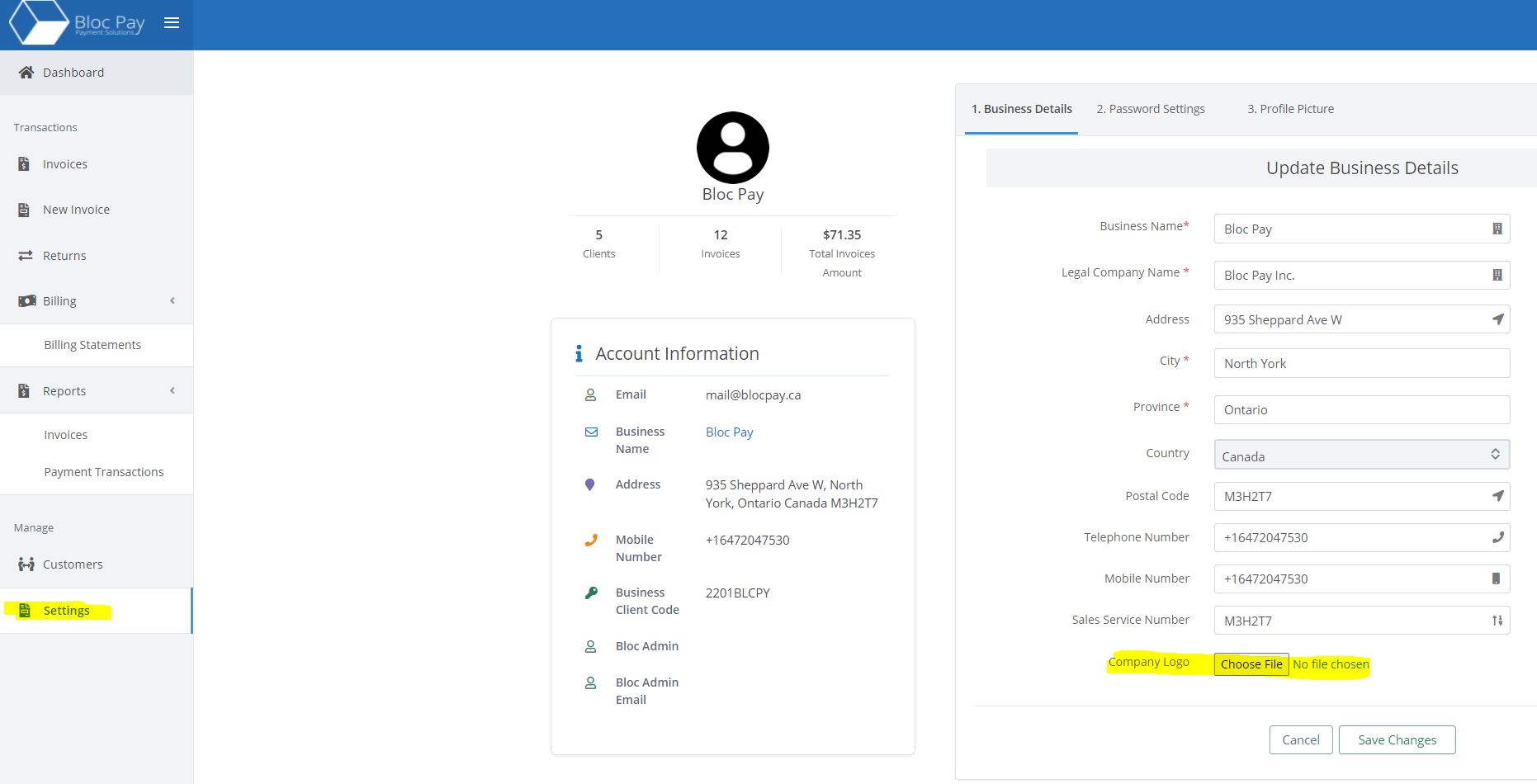
To add your company's logo to your Aegis invoices login to your merchant dashboard and select the Settings tab. Towards the bottom of the page find the Company Logo field and upload your logo.
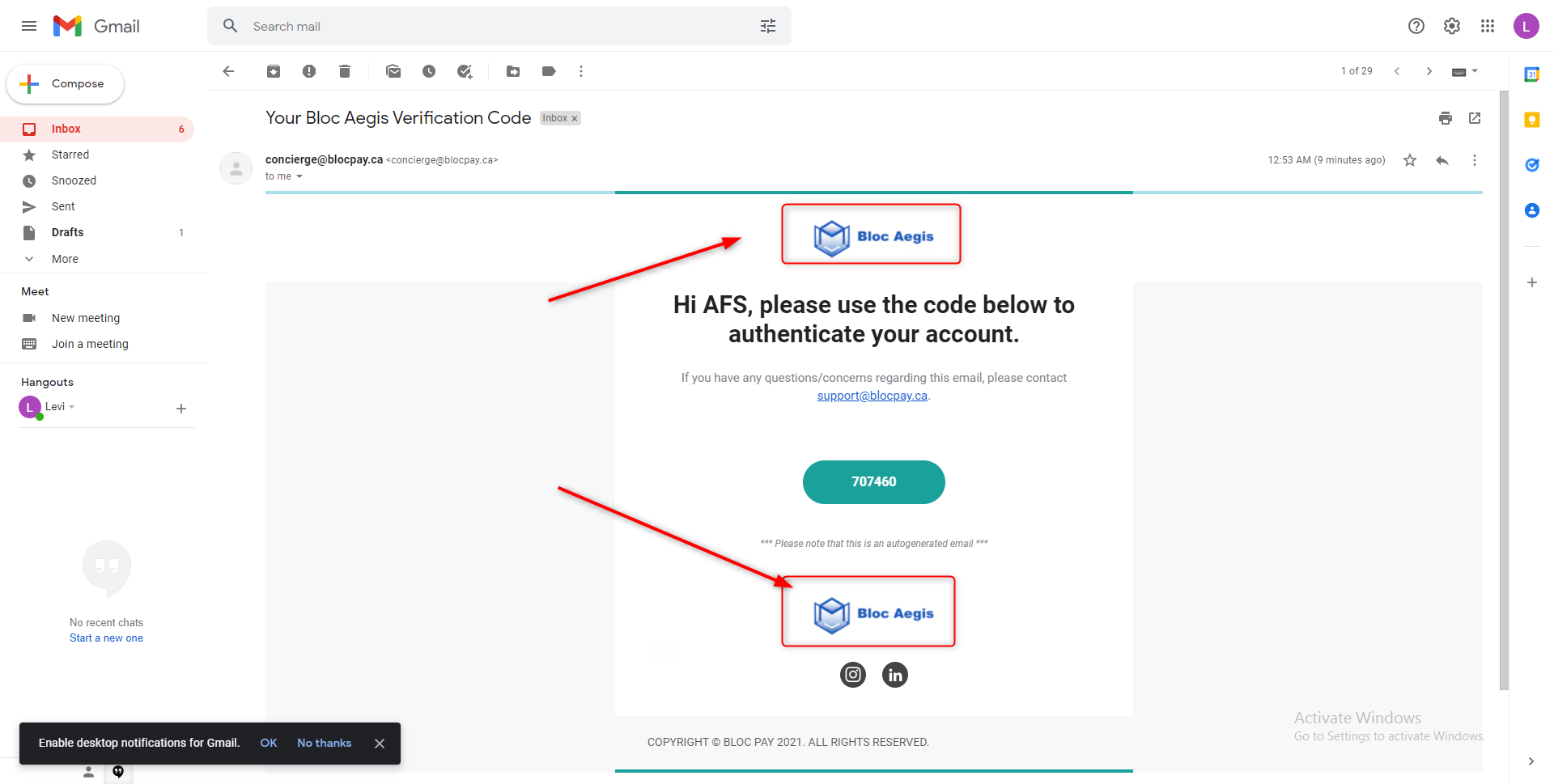
When uploaded, your logo will appear on invoices like this:
Logo Requirements
File Extension
Your logo file must be an image with any one of the following extensions: jpeg, jpg, or png. No other file types are accepted.
Size
Your image must be 200 x 100px (i.e. 200 pixels wide and 100 pixels tall). Your image also cannot exceed 2MB in size.